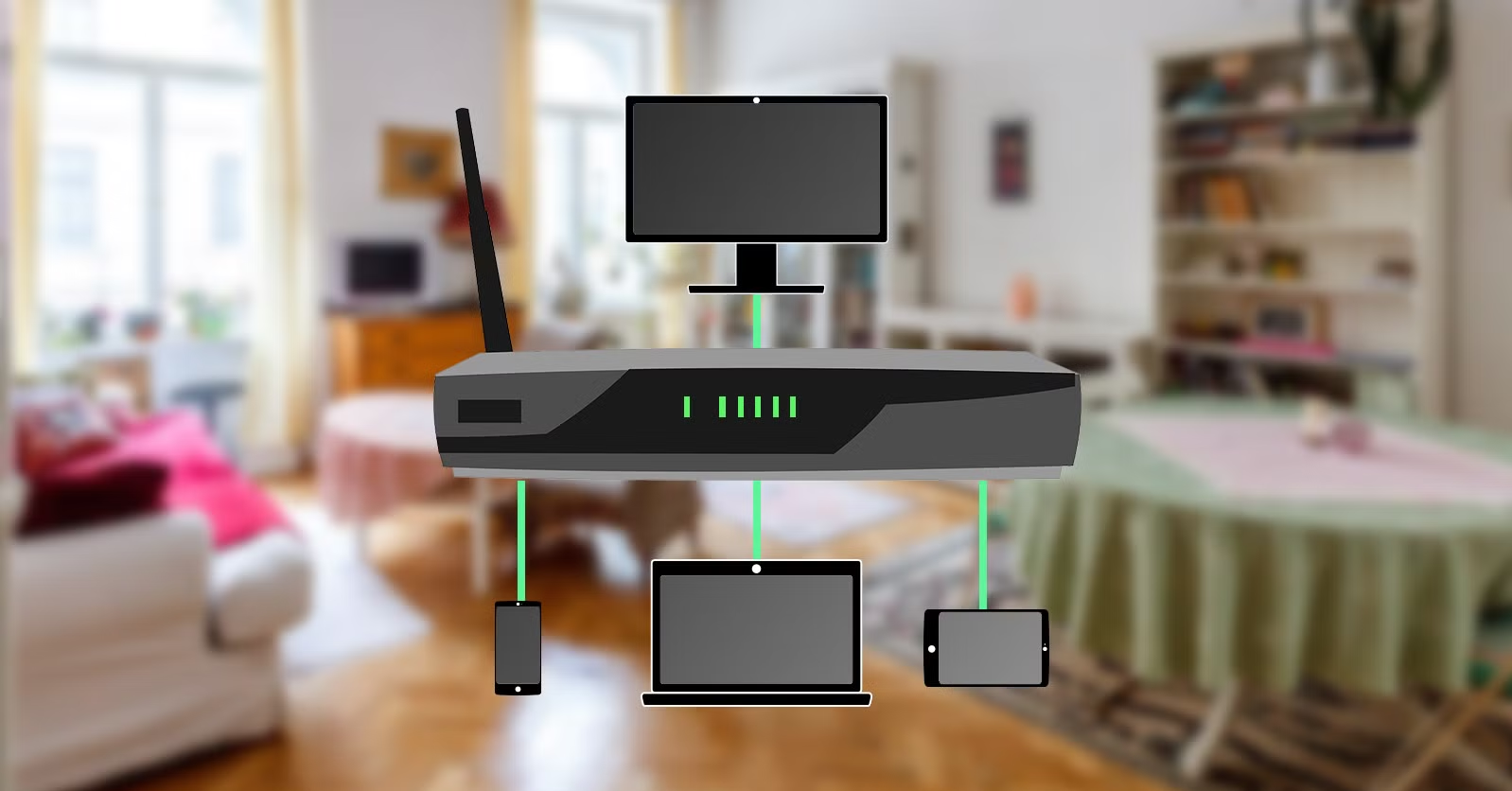
A reliable home network supports much more than internet browsing. Modern households use connected devices for remote work, online learning, streaming, gaming, smart home automation, and video communication. Choosing suitable home network equipment helps ensure that these activities run smoothly across different rooms and devices.
A well-designed home network combines wired and wireless connectivity to provide consistent performance. Understanding the purpose of each component makes it easier to choose equipment that matches the size of the property and the household’s internet requirements.
Understanding the Main Components of a Home Network
Most home networks include a modem or optical network terminal, a router, wireless access points, Ethernet cables, and sometimes network switches.
The modem or optical network terminal connects the home to the internet service provider’s network. A router manages communication between the internet connection and local devices. Wireless access points provide Wi-Fi coverage, while Ethernet switches allow multiple wired devices to connect to the same local network.
Some internet providers supply a combined modem and router. These devices can be convenient for basic installations, although separate networking components may provide more flexibility for larger homes or specialized requirements.
Choosing the Right Home Router
The router is central to most home networks. It directs traffic between connected devices and the internet while providing features such as firewall protection, wireless connectivity, and network management.
When selecting a router, consider the supported Wi-Fi standard, Ethernet port speeds, coverage capabilities, processor performance, and number of simultaneous connections.
Households with several users may need a router that can handle multiple video streams, gaming sessions, smart devices, and work applications at the same time.
Security features are equally important. Look for regular firmware updates, strong encryption, guest network support, and parental control options where appropriate.
When to Use a Network Switch at Home
A network switch is useful when several devices need wired Ethernet connections. Many home routers have only a limited number of LAN ports, which may not be sufficient for computers, smart televisions, gaming systems, network storage, and other equipment.
An Ethernet switch expands the number of available connections. It allows multiple devices to communicate across the local network without requiring separate direct connections to the router.
Unmanaged switches are generally suitable for straightforward home installations. Managed switches offer additional configuration options, such as VLANs, traffic monitoring, and network management features.
For most households, the choice depends on the complexity of the network and whether advanced configuration is necessary.
Advantages of Gigabit Switches
Gigabit switches provide Ethernet connections with speeds of up to 1 Gbps per port under suitable conditions. They are a practical choice for modern home networks that transfer files, stream high-resolution media, or connect multiple wired devices.
A gigabit switch can improve the capacity of a local wired network when the connected devices and cabling support the same speeds.
For example, a household with desktop computers, network-attached storage, smart televisions, and gaming systems may benefit from a centralized gigabit switch.
Before purchasing, check the number of ports and whether the switch supports additional features such as Power over Ethernet. PoE models can supply power to compatible access points, cameras, and other network devices through Ethernet cabling.
Improving Wi-Fi Coverage Throughout the Home
Wireless coverage can vary depending on building size, wall materials, furniture, interference, and router placement.
Positioning the router in a central, elevated, and relatively open location can help improve signal distribution. However, larger properties may require additional wireless access points or a mesh Wi-Fi system.
Access points can be connected through Ethernet for a more consistent backhaul connection. This can be especially useful in homes with multiple floors or areas where wireless signals struggle to reach.
Avoid placing wireless equipment behind large obstacles or near sources of significant interference. Choosing appropriate wireless channels and using supported frequency bands can also improve the overall experience.
Planning a Home Network for Smart Devices
Smart televisions, lighting systems, doorbells, speakers, thermostats, and other connected products increase the number of devices on a home network.
A router should have sufficient capacity to support the expected number of connections. It is also sensible to use separate guest or IoT network access where supported, helping keep less-trusted devices separate from personal computers and important files.
Strong passwords, updated firmware, and secure wireless encryption help protect connected equipment.
Wired Versus Wireless Connections
Wireless connectivity offers flexibility, but Ethernet remains useful for devices that require stable and predictable network performance.
Desktop computers, gaming consoles, media servers, and network storage devices may benefit from wired connections. Mobile phones, tablets, and portable laptops are generally more convenient over Wi-Fi.
A combination of both technologies often provides the best result. Wired connections can support demanding applications, while Wi-Fi serves mobile devices throughout the property.
How to Choose the Right Equipment
Before purchasing home network equipment, estimate the number of devices, required coverage area, internet speed, and potential future expansion.
Check compatibility between the router, switches, access points, and Ethernet cables. Consider whether managed features, PoE support, or faster uplinks are necessary.
A reliable supplier should provide accurate product information, warranty details, and technical support when required.
Conclusion
The right home network equipment creates a dependable foundation for modern connected living. Routers, network switches, gigabit switches, and wireless access points each play an important role in maintaining connectivity.
By combining suitable wired and wireless components, securing connected devices, and planning for future requirements, households can build a network that supports everyday activities with greater reliability and flexibility.